Superior KeyPad Outdoor Fibra
Code: Superior KeyPad Outdoor Fibra

- Sales
- New Products
- Access Control
- Aiphone
- Ajax Systems
- Batteries
- Bosch
- Cable & Network Cabinets
-
Dahua
- Access Control and Accessory
- Accessories
- Alarm
- Hybrid/Analogue
- Intercom
- IP Cameras
- IP Speaker
- Kits
- Network Hardware
- NVR
- Monitors
- Power Supply
- Solar
- Turnstiles
- UPS
- Electronic Locks
- Fog Cannons
- Reeds & Sirens
- Gallagher
- Hard Drives
- Monitors and Displays
- Network Hardware
- NX Witness
- Secury360
- Uniview
- UPS / Power supplies
- Vivotek
- Vivotek Vortex
- Wireless Access Point
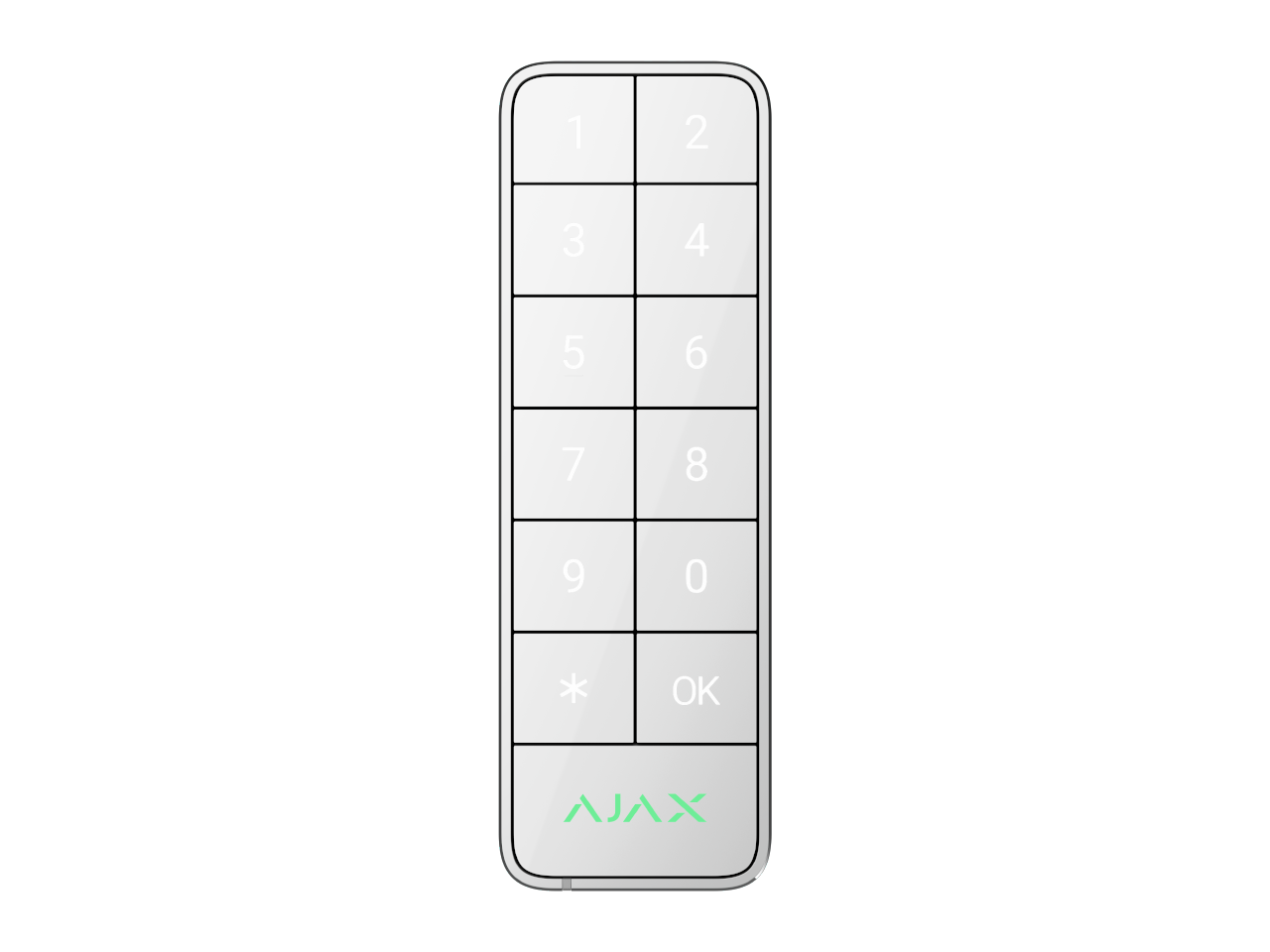
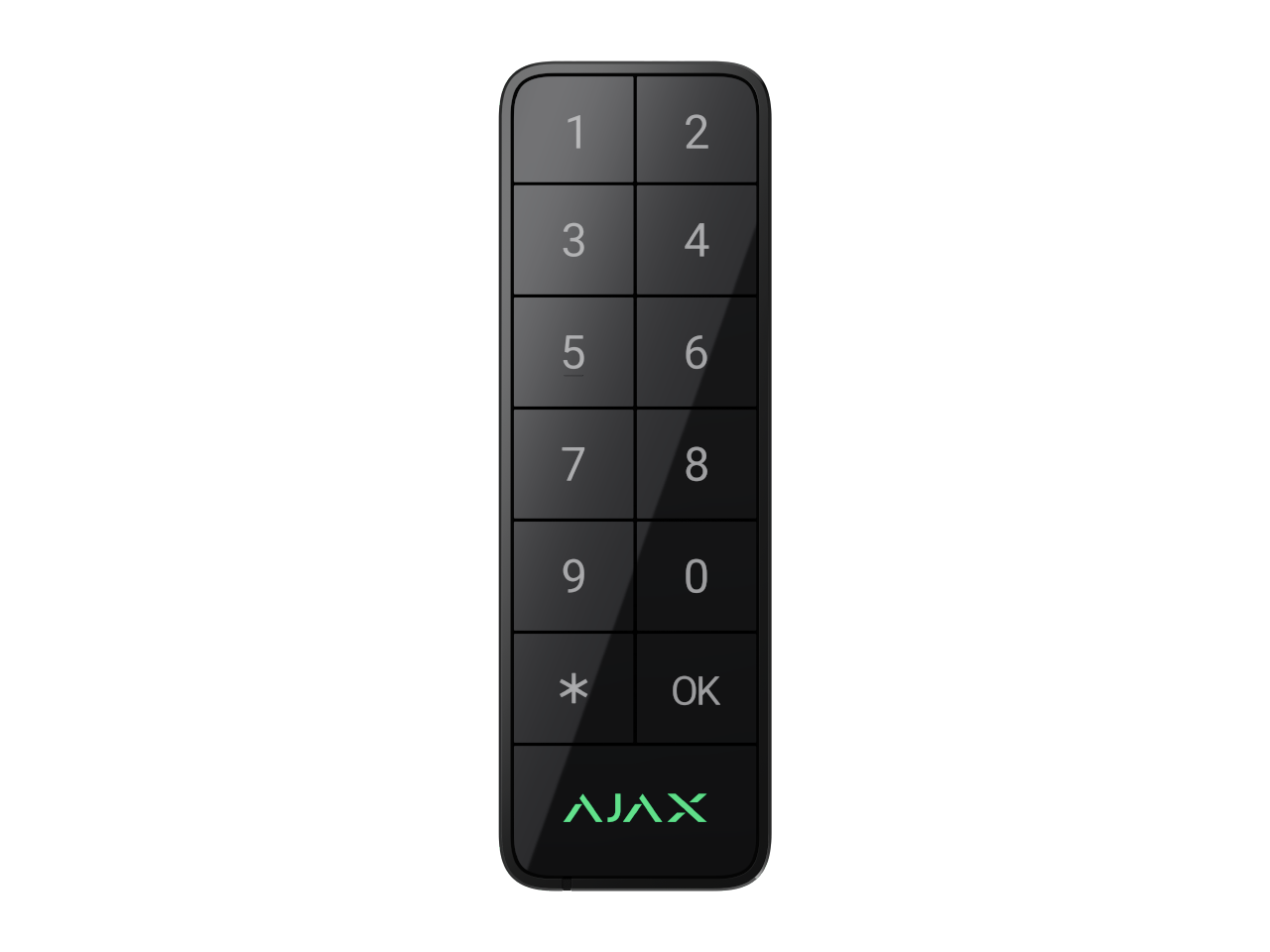
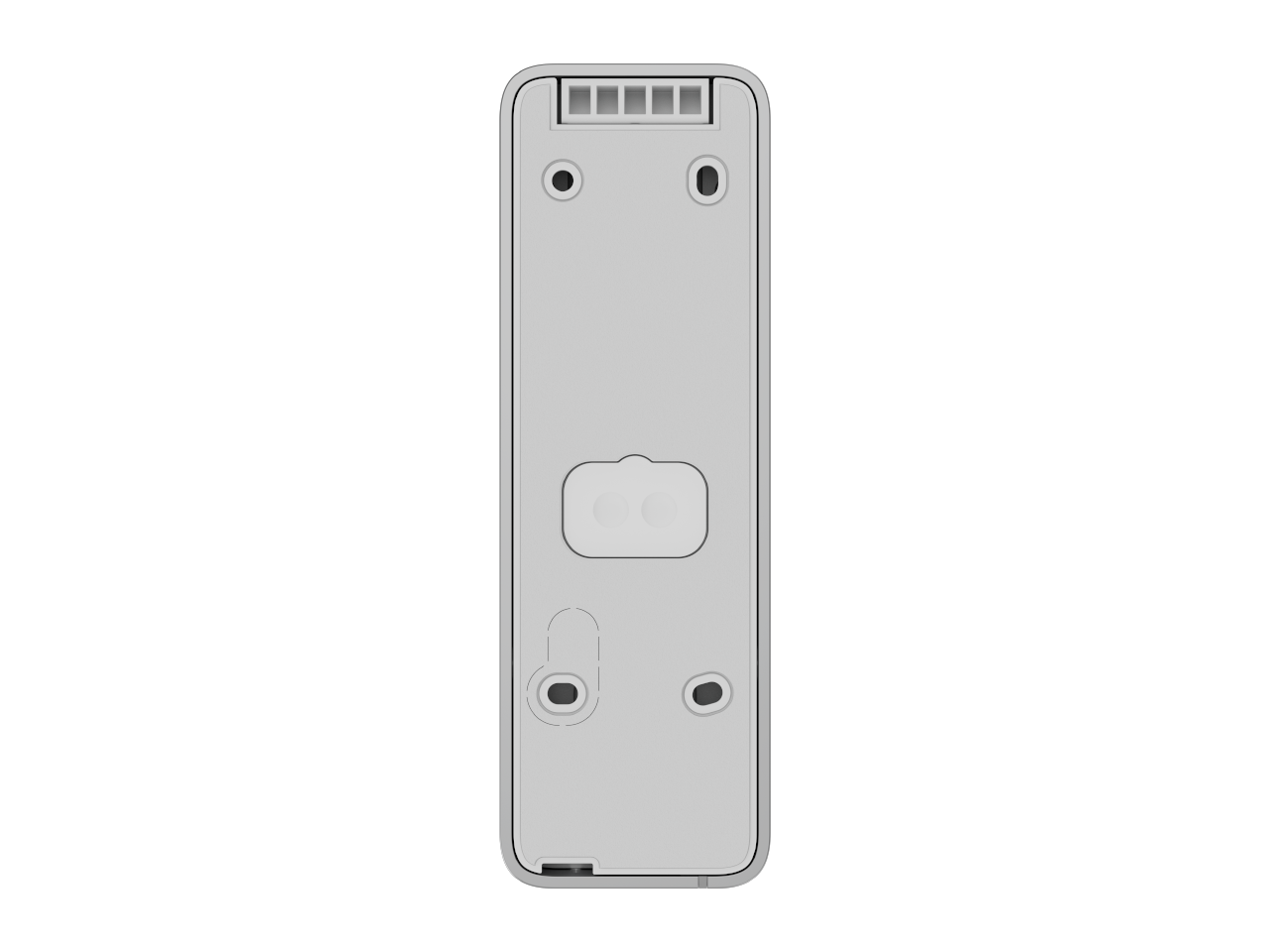
Wired keypad supporting authentication via Pass, Tag, smartphones, and codes. For outdoor and indoor use.
- Keypad function
- Switches security mode
- Manages automation devices
Starts entry delay (bypass keypad)
- Each keypad function can be configured as a primary or secondary one in the keypad settings in Ajax apps. Only one primary function and one secondary function can be set at once. Switch between functions by long-pressing the OK button on the keypad.
- Control methods
- codes
- Tag key fobs
- Pass cards
- smartphone (Bluetooth)
- Access codes
- up to 50 personal codes - One code per user. The number of personal access codes depends on the hub model.
- 1 keypad code - Per each Superior KeyPad Outdoor Fibra.
- Duress codes
- up to 50 personal codes - One code per user. The number of personal duress codes depends on the hub model.
- 1 keypad code - Per each Superior KeyPad Outdoor Fibra.
- Codes for unregistered users
- up to 50 personal codes - For people who are not registered in an Ajax system. The number of such codes depends on the hub model.
- Contactless access
- DESFire® EV1, EV2, EV3
- ISO 14443-? (13.56 MHz)
- Contactless authorisation with a smartphone - It is possible to use a smartphone with an installed Ajax app and Bluetooth Low Energy (BLE) support instead of a Tag or Pass to authorise a user. BLE is a radio protocol with low power consumption. The keypad supports Android and iOS smartphones with BLE 4.2 and later.
- Arming without entering a code - The enabled feature allows the user to arm the facility without entering a code or presenting an access device.
- Group security management - Changing the security mode of the groups to which the user has access from the keypad.
- Authorisation confirmation with a passcode - Configuring two-factor authentication. If enabled, users must first use an access device (Pass, Tag, or smartphone) and then enter a passcode to confirm their authorisation to the system.
- Function button - Operates in one of the following modes
- Panic -Sends an alarm to the central monitoring station and users. It also activates the sirens connected to the system.
- Mute fire alarm - Mutes interconnected fire detectors.
- None - The button is disabled.
- Automation device control - Allows controlling the scenarios or automation devices by keypad.
- Starting entry delay - Activates an entry delay so you can disarm the facility using the main keypad.
- Indication of malfunctions and security mode - If enabled, the keypad notifies users with an LED indication of the security mode, problems with detectors, or loss of communication with the hub. A built-in buzzer notifies of alarms, door openings, and entry/exit delays.
Please Login to view Stock information.